

So, you’ve got a Nintendo Switch, but your best gaming buddy lives across the country. You’re probably wondering, “Can we still play together?” The answer is a huge YES, and it all starts with one thing: a Nintendo Switch Online subscription. For most of the best Nintendo online games, this membership is the essential key that unlocks the ability to play with friends and family anywhere in the world. Check out dina189 to know more
Think of Nintendo Switch Online like a membership to Netflix or a gym; for a low yearly cost, you get access to its main feature. This subscription is what pays for the service that connects you to other players, so to race your cousin in Mario Kart 8 Deluxe, you’ll both need it. The great part is that Nintendo offers simple, cost-effective choices to get you started:
- Individual Membership: Perfect for one person.
- Family Membership: Covers up to eight different Nintendo accounts, which is a great value for households with multiple players.
But the membership isn’t just about playing together. It also comes with fantastic perks that make it one of the best deals in gaming. Your subscription automatically protects your game progress with Cloud Saves, keeping your hundreds of hours in Animal Crossing safe. Plus, according to Nintendo’s official service page, you get instant access to a library of over 100 classic NES and Super Nintendo games at no extra charge, turning your Switch into a retro gaming powerhouse.
How to Add Friends on Your Switch (It’s Easier Than You Think)
So how does your Switch find your friend’s Switch out of the millions of others online? It uses a special ID called a “Friend Code.” Think of it like a private phone number for your Nintendo account; you only share it with people you want to connect with. This code is the key to setting up a private game with friends on Switch, turning a worldwide network into your personal playground.
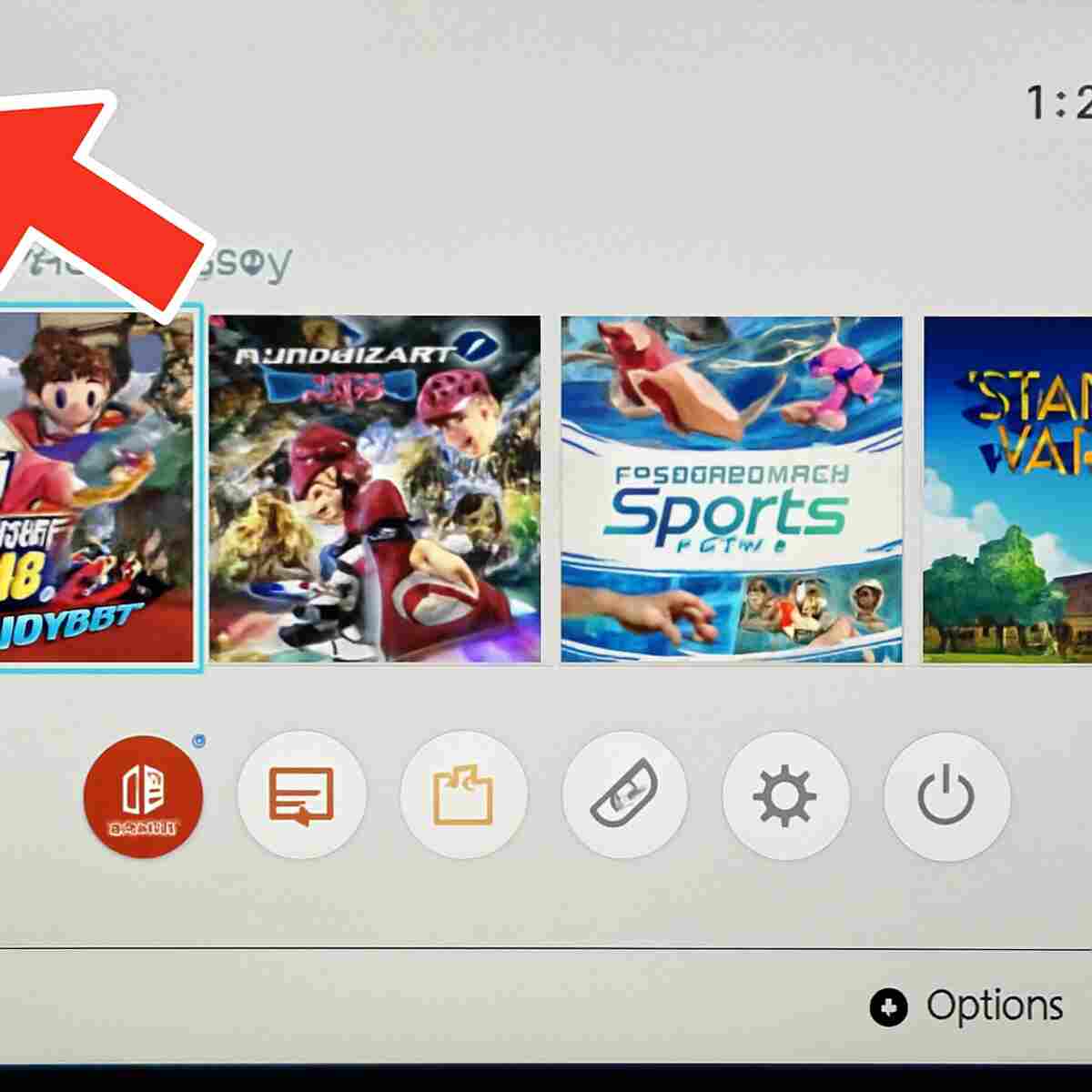
Finding your own code is a snap. From your Switch’s main HOME Menu, just look at the top-left corner and tap on your user icon (it’s the little circle with your picture). This takes you to your Profile screen, where you’ll see your Friend Code listed right under your name, always starting with “SW-“. That’s the number you can send to your friends!
Once your friend sends you their code, adding them is just as simple. On that very same Profile screen, look for the “Add Friend” option on the left-hand menu. Select it, then choose “Search with Friend Code.” Just type in their number, send the request, and once they accept, they’ll be added to your official friends list.
Building this list is the foundation for all your future online games. When you’re in a game like Mario Kart 8 Deluxe or Nintendo Switch Sports, you’ll now be able to see who’s online and easily invite them to a game. It’s the most direct way to guarantee you’re racing, battling, or building with the people you know.
Do You Always Need a Subscription to Play Online?
After learning about the Nintendo Switch Online subscription, you might be wondering if it’s a requirement for every single game. The surprising answer is no! A handful of the most popular online games on the entire platform let you jump into the action without needing a paid membership. This special exception is a fantastic way to dip your toes into online play without any commitment.
So what’s the trick? The answer lies in how these games are sold. Here’s a handy rule of thumb: if a game costs $0 to download from the Nintendo eShop, you can almost always play its online modes for free, too. These are often called “free-to-play” games, and they include massive hits like Fortnite, Apex Legends, Fall Guys, and Rocket League. Because the games themselves are free, their developers cover the online costs so everyone can play.
For the majority of games you buy in a store or as a paid download, however, that subscription is your golden ticket. This is especially true for Nintendo’s own beloved titles. So if you want to race against friends in Mario Kart 8 Deluxe or visit their town in Animal Crossing: New Horizons, you’ll need a Nintendo Switch Online membership.
Best Games for Friendly Competition: Mario Kart vs. Smash Bros.
When it comes to fun, competitive Switch titles that you can play with friends online, two games stand above the rest: Mario Kart 8 Deluxe and Super Smash Bros. Ultimate. With Mario Kart 8 Deluxe, getting a race started with a specific group is incredibly straightforward. From the main menu, you can select “Online Play” and then “Friends and Rooms.” This lets you create a private lobby, which is like your own personal tournament room. You get to set the rules, choose the tracks, and ensure only the people you’ve invited can join, making it perfect for a planned game night with family.
For a different flavor of friendly rivalry, Super Smash Bros. Ultimate offers a more chaotic and action-packed experience. Instead of private rooms, it features “Battle Arenas.” Think of an Arena as your own virtual clubhouse for fighting. You can set one up for just you and your friends, choose the rules for your matches, and even decide how players will rotate in and out. It’s a fantastic system that lets you battle non-stop or take turns spectating, just like you would if you were all gathered around the same TV.
Ultimately, your choice depends on the kind of competition your group enjoys. Mario Kart 8 Deluxe provides a structured and universally understood racing experience that’s thrilling but easy for newcomers to grasp. Super Smash Bros. Ultimate is better for those who love free-form, unpredictable brawls and mastering unique characters. But what if you’d rather team up than face off? For that, you’ll want to explore the world of cooperative games, where you work together to achieve a common goal.
Top Co-op Games: How to Work Together and Win Together
While a little friendly competition is a blast, sometimes the most fun you can have is by teaming up. This is where “co-op” games shine. Short for cooperative, co-op simply means you and your friends are on the same team, working together toward a common goal instead of against each other. It’s all about communication, coordination, and sharing in the victory. The world of co-op offers some of the most rewarding experiences on the Switch.
A perfect example of frantic, hilarious teamwork is Overcooked! 2. In this game, you and up to three friends become chefs in a series of bizarre and challenging kitchens. You’ll have to chop vegetables, cook burgers, and serve dishes all while the kitchen itself might be splitting in half or floating down a river. Success is impossible without constant communication and helping each other out, making for a thrilling and often funny game night that’s all about shared success (or shared kitchen fires).
If you’re looking for something with a bit more action, Splatoon 3 has a fantastic mode called Salmon Run. While the main game focuses on two teams battling to cover the map in ink, Salmon Run is purely cooperative. You and three other players team up to fight off waves of wacky salmon-like bosses and collect golden eggs. Unlike the main game’s head-to-head battles, this mode is all about surviving together, making it one of the best co-op games for Nintendo Switch. But teamwork doesn’t always have to be so intense; sometimes, you just want to relax and share a world with your friends.
Best Online Games for Relaxing and Sharing Your World
Sometimes, online play isn’t about beating a boss or winning a race; it’s simply about hanging out. This is where creative, relaxing games shine, letting you share a digital space with friends in a low-stress way. These experiences are less about a shared goal and more about shared company, turning your Switch into a cozy place to connect with loved ones.
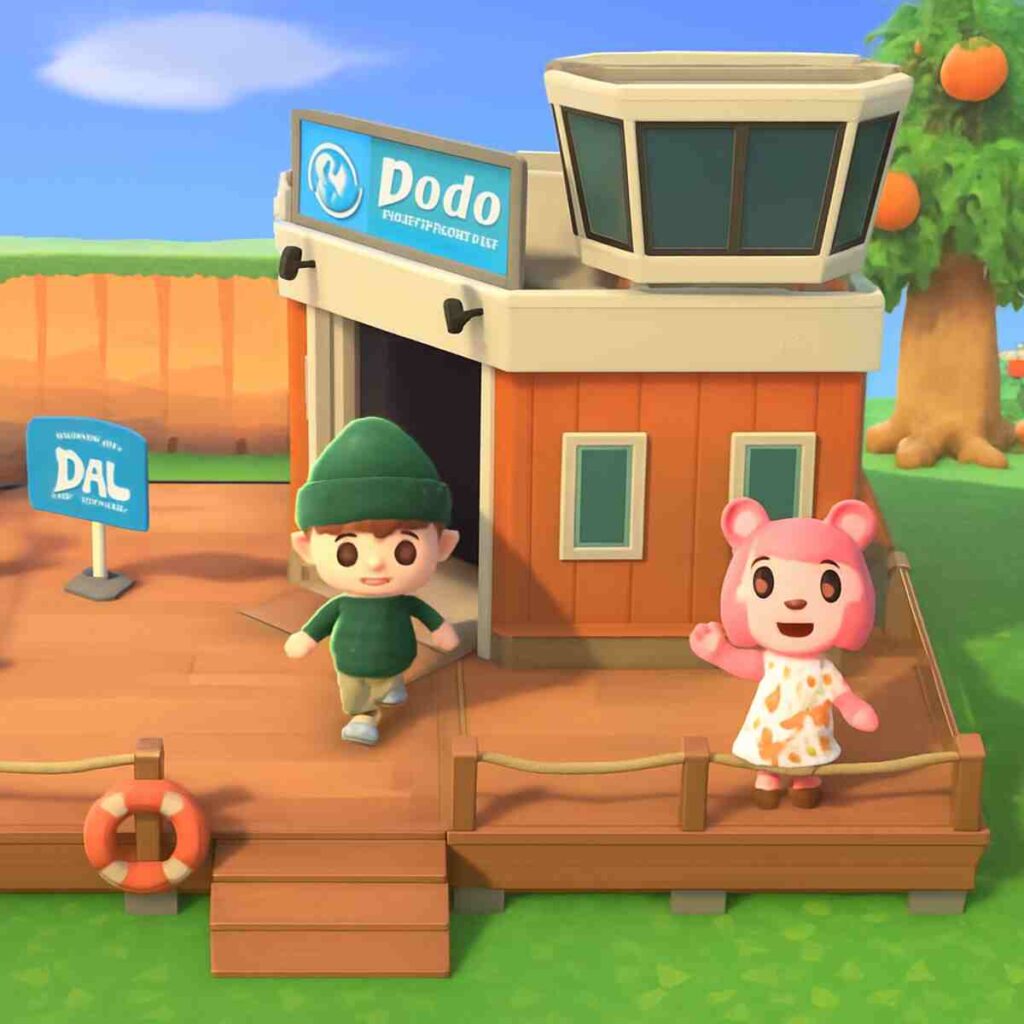
The perfect example is Animal Crossing: New Horizons. To visit a friend, you go to your island’s airport and tell the staff you want to fly. If you want to invite someone over, the airport can give you a temporary “Dodo Code” to share. Think of this code like a secret, one-time password to your island. It lets your friends visit easily, and you can close the gate anytime you want some privacy.
Similarly, games like Minecraft on Switch let you and your friends join the same world together online. This shared world is like a collaborative digital sandbox where you can build magnificent castles or dig sprawling caves as a team. Unlike a single match in other games, your shared creations are saved, so you can come back time and time again to continue your project, turning the game into a persistent, shared hobby.
This kind of social, creative play shows just how varied online gaming can be. But as you explore these options, you might notice your Switch gives you two choices for connecting: “Online Play” and “Local Wireless.” They sound similar, but they do very different things.
A Common Question: ‘Online Play’ vs. ‘Local Wireless’
When you choose a multiplayer option in a game, you’ll often see two choices that sound alike: “Online Play” and “Local Wireless.” The key difference between them is simply distance. Think of Local Wireless as a private, short-range connection, perfect for when you’re in the same room or car with friends who also have their own Switch consoles. It doesn’t use the internet, making it ideal for playing something like Mario Kart 8 Deluxe together on the go.
Online Play, on the other hand, is your gateway to the entire world. This is the mode that uses your home Wi-Fi to connect you with friends who are far away, whether they’re across town or across the country. Because this requires connecting to a global network, this is the option that needs an internet connection and, for most switch multiplayer games, a Nintendo Switch Online subscription.
So, here’s the easy rule of thumb: if you can wave to the person you’re playing with, choose Local Wireless. If they’re anywhere else, you’ll be using Online Play. Now that you know how to connect for a game, you might be wondering how you can actually talk to your friends while you play.
How Do You Talk While Playing? The Deal with Voice Chat
For many of Nintendo’s own popular online games, such as Splatoon 3 or Mario Kart 8 Deluxe, voice chat is handled a bit differently than on other systems. Instead of being built into the game itself, you use a separate, free smartphone application called the “Nintendo Switch Online” app. Once you download it and link your account, you can use the app to start a voice chat room that connects you with your friends while you play on the TV.
While the app works perfectly well, many players find a simpler solution is already in their pocket. It’s incredibly common for friends to just start a regular phone call on speakerphone or use a familiar audio app like FaceTime or WhatsApp while they play. This popular workaround lets you chat during any game you play together, not just the ones officially supported by the Nintendo app, making it a flexible and easy option.
However, it’s important to know that not all games follow this rule. Some of the most popular titles on the Switch, especially free-to-play games like Fortnite, have voice chat built right in. For these, you can simply plug a standard headset into your Switch console and start talking—no phone required. Interestingly, these are often the same games that let you connect with friends on other systems.
What About Playing Together on Different Consoles?
It’s a common question: “My friend has an Xbox, but I have a Switch. Can we still play together?” For a growing number of games, the answer is a resounding yes. This fantastic feature is often called cross-platform play (or “cross-play” for short), and it simply means you can connect to the same online match regardless of the console you or your friends own. It’s like everyone being able to join the same phone call, no matter if they have an iPhone or an Android.
This ability to connect is most common in huge, globally popular games that are available everywhere. Titles like Fortnite, Minecraft, and Rocket League are designed from the ground up so that a player on a Nintendo Switch can easily team up with friends on a PlayStation or PC. If a game is a big hit on multiple systems, there’s a good chance it allows everyone to play together.
However, it’s crucial to know this feature generally does not apply to Nintendo’s own flagship titles. You can’t race a friend’s PlayStation in Mario Kart 8 Deluxe or visit their Xbox-based island in Animal Crossing: New Horizons. As a rule, what makes these beloved online multiplayer Switch games special is connecting with other Switch owners from around the world, keeping the fun within Nintendo’s unique ecosystem.
Your 3-Step Plan to Start Playing Online Tonight
Getting online with your Switch is simpler than it seems. What might have felt like a maze of subscriptions, codes, and menus is now a clear path to playing with friends and family, no matter where they are. To go from reading this guide to launching your first game, here is your simple action plan.
Your 3-Step “Ready to Play” Checklist:
- Confirm Your Subscription: Hop into the eShop on your Switch and double-check that your Nintendo Switch Online membership is active.
- Share Your Friend Code: Navigate to your Profile page (the icon in the top-left corner of the home screen), find your code, and text it to a friend.
- Pick a Game & Invite: Load up your game of choice and use its online menu to invite your newly added friend to a match.
That’s all it takes. The technical part is over, and the fun part is about to begin. The only thing left to decide is whether you’ll be racing past them in Mario Kart or showing off your island in Animal Crossing. It’s time to connect your console, connect with your friends, and start playing online. Have fun!
